WordPress 7.1 Broke My Site? Here’s How to Fix It

WordPress 7.1 went live on 19 August 2026, and within days it had knocked a number of sites offline and broken the editing screen for plenty more. If your site suddenly looks wrong, won’t let you edit content, or has vanished altogether since updating, you’re not alone, and it’s very likely fixable in minutes, not days.
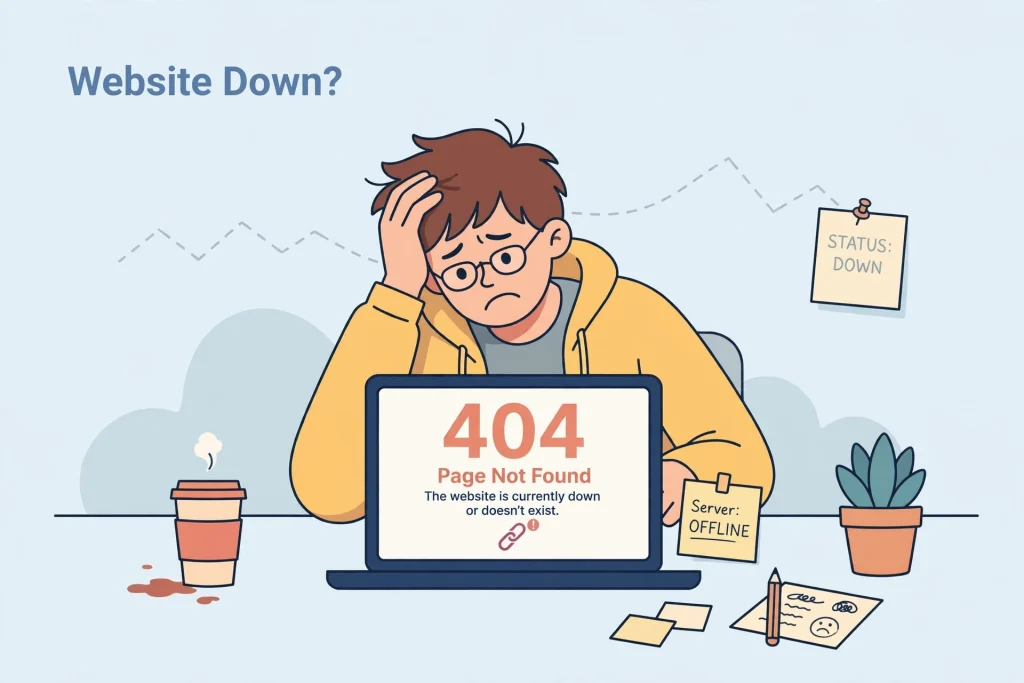
What went wrong
Three separate issues have caused most of the problems:
1. Sites going completely offline (WP Rocket users)
A bug between the popular caching plugin WP Rocket and WordPress 7.1 caused sites using its Cloudflare feature to crash with a fatal error the moment they updated. The fix had actually been reported over a month before release but wasn’t patched in time. WP Rocket pushed an emergency fix the day after launch, so if this is you, updating the plugin to the latest version should solve it straight away.
2. The editor becoming unusable (custom blocks)
Anyone using Advanced Custom Fields (ACF) or other custom built content blocks has reported the page editor becoming a mess, with blocks piling up in the sidebar and pages becoming impossible to edit properly. This is a direct result of a change to how WordPress loads the editor in 7.1, and it mainly affects older or custom blocks that haven’t been updated to match.
3. Admin screens behaving oddly
WordPress made some behind the scenes changes to the post list screen in wp-admin, partly to improve accessibility. It’s a good change in principle, but it can clash with plugins or custom admin styling that weren’t built to expect it.
Is your site actually affected?
Not every site will notice a thing. The businesses most at risk are ones using:
- WP Rocket with the Cloudflare integration
- Advanced Custom Fields, or any theme or plugin combination with custom content blocks
- Older or heavily customised admin dashboards
- Plugins or themes that haven’t been updated in the last few months
If none of that applies and your site’s still running smoothly, there’s nothing you need to do beyond your usual checks.
What to do if your site’s broken right now
- Don’t panic, and don’t restore from backup yet. Most of this is a plugin conflict, not lost data.
- Update your plugins first, especially WP Rocket if you use it. Several plugin developers have already shipped fixes.
- If the editor’s the problem, check whether your theme or key plugins have a newer version that mentions WordPress 7.1 compatibility.
- Still stuck? Rolling back to WordPress 7.0.4 temporarily is a safe short-term fix while you wait for a proper plugin update.
- Going forward, test major WordPress updates on a staging copy of your site before applying them live.
How we help clients avoid this altogether
This is exactly the kind of thing our website care plans exist for. Rather than updates landing straight on your live site, we test them on a staging copy first, catch conflicts like this before your customers ever see them, and keep your plugins and themes up to date on a proper schedule instead of all at once.
It’s a lot cheaper than a day of lost sales while your site’s down. If today’s update has caught you out, visit our website maintenance page to see how our care plans work and get your site properly protected.
Why this matters for more than just convenience
A broken or offline website doesn’t just cost you sales while it’s down. Google notices too. Site downtime, broken pages, and a poor mobile experience all work against you in search rankings, on top of the immediate loss of customer trust. If your site’s been affected, getting it fixed quickly isn’t just good housekeeping, it protects the position you’ve already earned in Google.
FAQs
No. Unless there’s a specific security reason to update immediately, it’s sensible to wait a week or two while plugin developers catch up with fixes, or update on a staging site first.
No, major breakages like this are the exception, not the rule. This particular release changed some fairly deep technical foundations, which is why the impact has been wider than usual.
If your site is down or broken, deactivating your plugins one at a time, or all at once and then re-enabling one by one, will usually reveal which one is causing the conflict.